A Health Connect workout app with context
Connect Health Connect when you choose. Fit Trainer turns your recent activity, exercise, sleep, resting heart rate, and HRV into daily summaries the AI trainer can consider when it creates or adapts your workout.
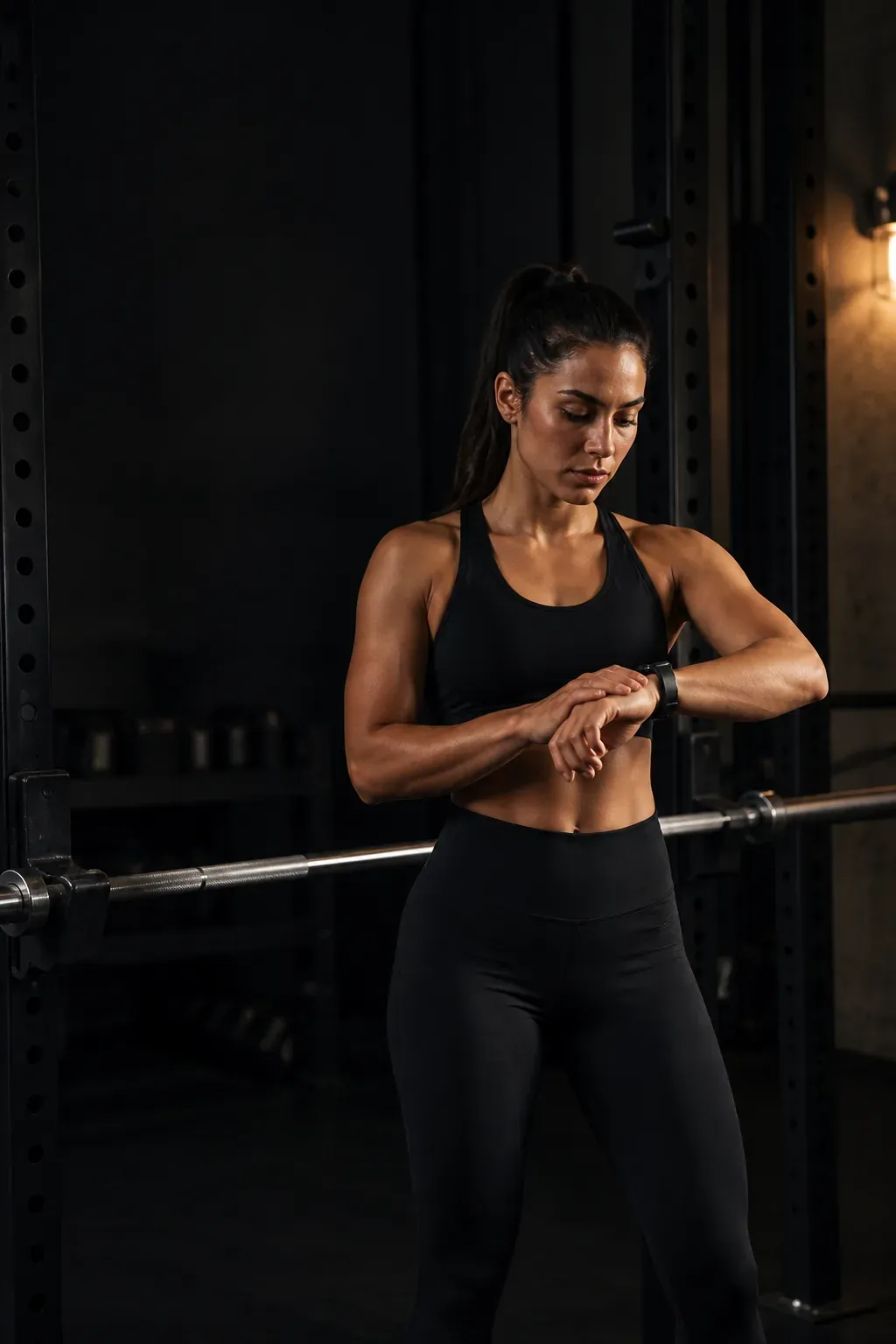
Your training week includes more than logged sets
A fixed plan sees the workout you completed. Health-informed planning can also see the activity and recovery context surrounding it, without treating one metric as a diagnosis or a command.
- Exercise sessions
ExerciseSession - Shows structured exercise duration and recent training load, including sessions recorded outside Fit Trainer.
- Steps
Steps - Adds walking and other weight-bearing activity outside recorded workouts to the picture of your week.
- Active calories
ActiveCaloriesBurned - Adds exertion that step count alone cannot represent, including activities such as cycling and swimming.
- Sleep duration
SleepSession - Provides recent sleep-duration context when the trainer considers recovery and the next session.
- Resting heart rate
RestingHeartRate - Provides one recent recovery signal for the trainer to consider alongside your training history and feedback.
- Heart rate variability
HeartRateVariabilityRmssd - Provides a separate recent recovery signal rather than treating any single metric as the full answer.
From permission to a better-informed session
The path is visible and user-controlled from the first connection to the workout the trainer proposes.
- 01
You choose to connect
Open Profile, Account Settings, then Health Devices. Health Connect access starts only after you choose Connect and approve the requested read permissions.
- 02
Recent records become daily summaries
Fit Trainer reads the previous seven days and converts the supported records into daily totals or daily averages. Individual samples are not uploaded.
- 03
The trainer plans with more context
Those summaries join your goals, schedule, equipment, workout history, and feedback when the AI trainer creates or adapts a workout.
Reviewer path: Profile → Account Settings → Health Devices → Connect or Sync.
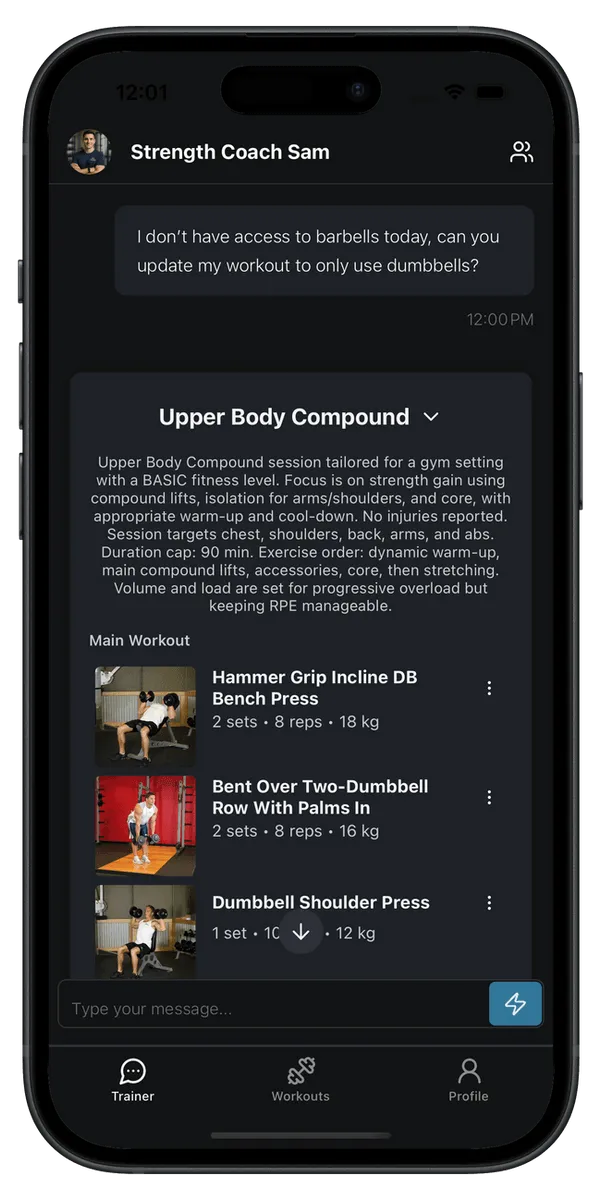
Context that can change the plan
Health summaries do not replace your goals, workout history, or what you tell the trainer. They add another layer of context to four practical planning decisions.
- Intensity Choose how demanding the next session should be in the context of recent work and recovery signals.
- Volume Adjust how much work belongs in the session after considering activity inside and outside the gym.
- Exercise selection Build a session that fits the day instead of relying only on a fixed template.
- Recovery Recommend rest or active recovery when the full recent picture supports a lighter day.
Useful context without hidden collection
Optional and read-only
Nothing is read until you connect and approve access. Fit Trainer reads supported Health Connect data but does not write records back.
Summaries, not samples
Individual Health Connect records are reduced to daily totals or averages before the summaries are sent to Fit Trainer.
Disconnect and delete
Disconnecting Health Connect removes the stored daily summaries from your Fit Trainer account.
Workout planning only
Health summaries are not used for advertising, medical diagnosis, or unrelated analytics. Read the full privacy policy.
Health Connect and Fit Trainer
-
What does Fit Trainer read from Health Connect?
With your permission, Fit Trainer reads exercise sessions, steps, active calories burned, sleep sessions, resting heart rate, and heart rate variability from the previous seven days. Access is read-only.
-
How does health data affect workout planning?
Daily summaries are included in the context the AI trainer uses when it creates or adapts a workout. Alongside your goals, schedule, equipment, workout history, and feedback, they can influence workout intensity, volume, exercise selection, and rest or active-recovery recommendations.
-
Does Fit Trainer store individual Health Connect samples?
No. Supported records are converted into daily summaries on your device. Fit Trainer stores those summaries rather than the individual samples returned by Health Connect.
-
Why can cadence appear in the Android permission labels?
Android groups Cycling Pedaling Cadence with the exercise read permission and Steps Cadence with the steps read permission. Fit Trainer does not query, store, or use cadence records.
-
Can I disconnect Health Connect and delete the summaries?
Yes. You can disconnect from Health Devices in Account Settings. Disconnecting revokes the connection and deletes the stored Health Connect daily summaries from Fit Trainer.
-
Is this used for medical diagnosis or advertising?
No. Health Connect summaries are used only to provide health-informed workout planning. They are not used for medical diagnosis, advertising, or unrelated analytics.
Train smarter, every day.
Your AI trainer builds the plan, guides every set with clear form cues, and adapts in real time. Download Fit Trainer and start today.