Progressive overload app

The progressive overload app that decides your next set

A progressive overload app should do more than store your sets. It should use what you logged to decide whether the next set or next workout adds weight, adds reps, holds steady, or backs off. Fit Trainer logs each set in a guided chat workout and can rebalance the remaining targets using real equipment increments.

A lifter resting on a flat bench after a set, looking at his phone, one dumbbell on the floor beside him in a dark gym
After each set Targets rebalance
Rounds to Weights you can load
Decides Add, hold, or deload
The decision after every set

Progressive overload is a decision, not just a chart.

Progressive overload means gradually asking your muscles to do more over time. The hard part is not the idea, it is the weekly call: add weight, add a rep, hold steady, or deload after a bad night's sleep. Most tools leave that call to you.

That is the gap Fit Trainer fills. It is a workout app where progressive overload is built into the session: you log a set, it reads the result, and it adjusts the remaining work so the next step is already decided when you pick the weight back up.

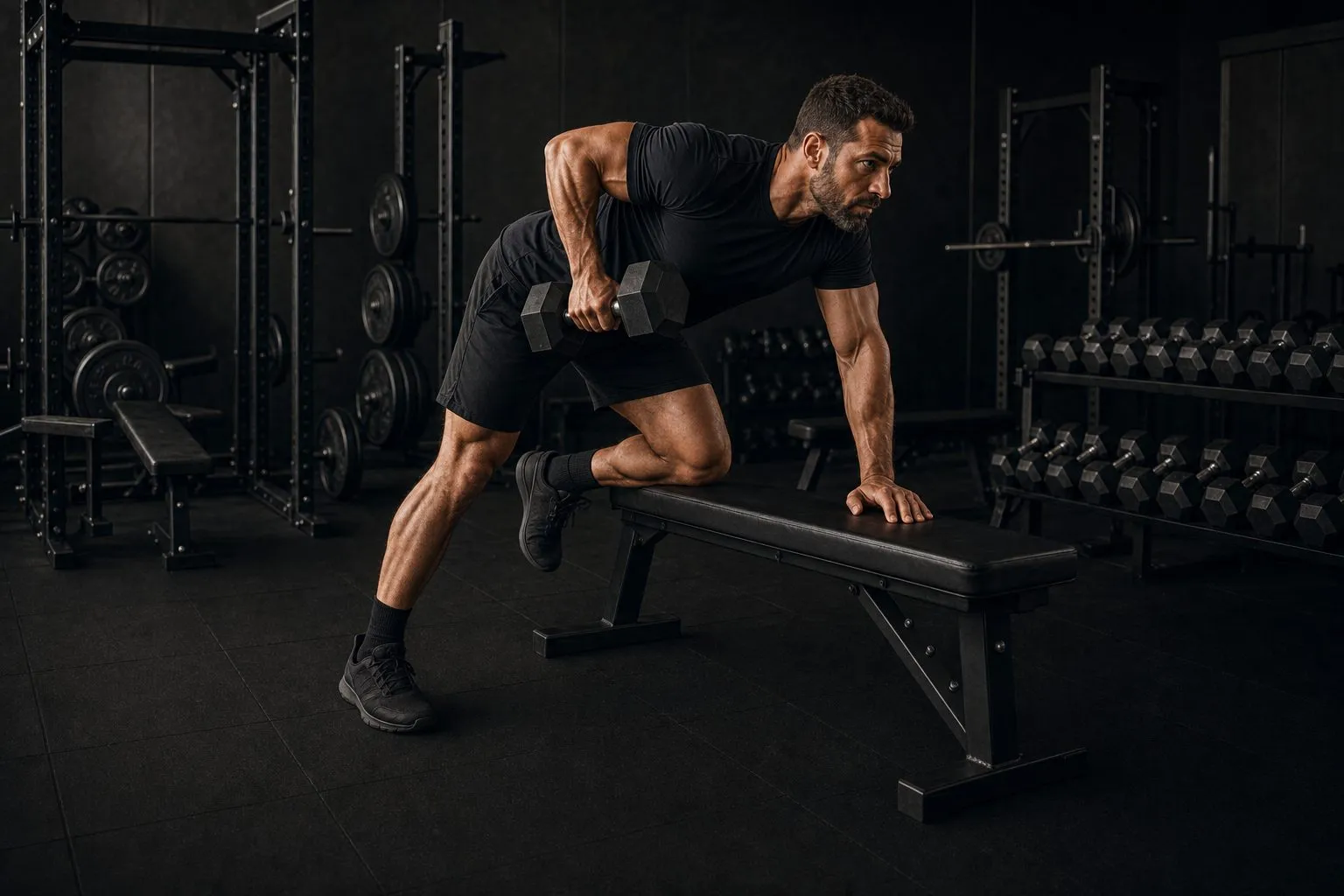
A lifter mid-pull on a one-arm dumbbell row, one hand and knee braced on a bench, a folded towel and open notebook resting beside him

Every set logged inside the workout

Weight and reps captured as you go.

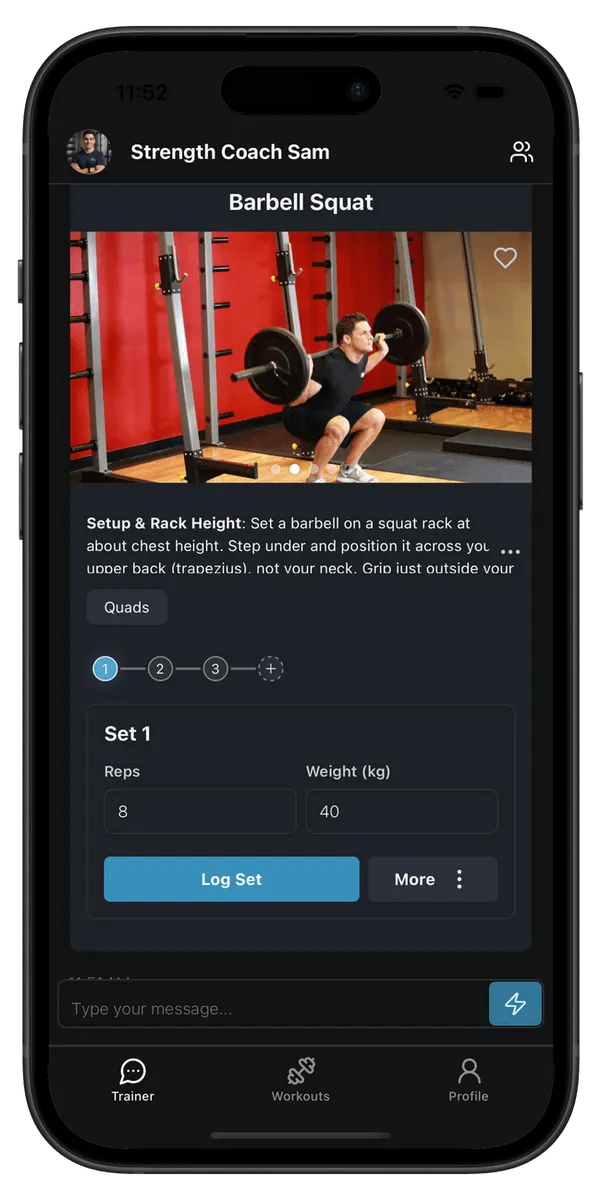
A progressive overload workout tracker is only useful if logging is effortless. In Fit Trainer you record each set right in the guided chat, so the weight, reps, and how the set felt are saved without a separate spreadsheet or a second app to open.

A hand reaching for the next pair up on a rack of dumbbells that ascend in weight, in a dark gym

Progression in weights you can actually load

Rounded to your real equipment.

Telling you to add 1.7kg is useless if your smallest jump is a 2.5kg plate or the next dumbbell up. This weight lifting app rounds every increase to increments you can actually put on the bar or pull off the rack, so the target is always liftable.

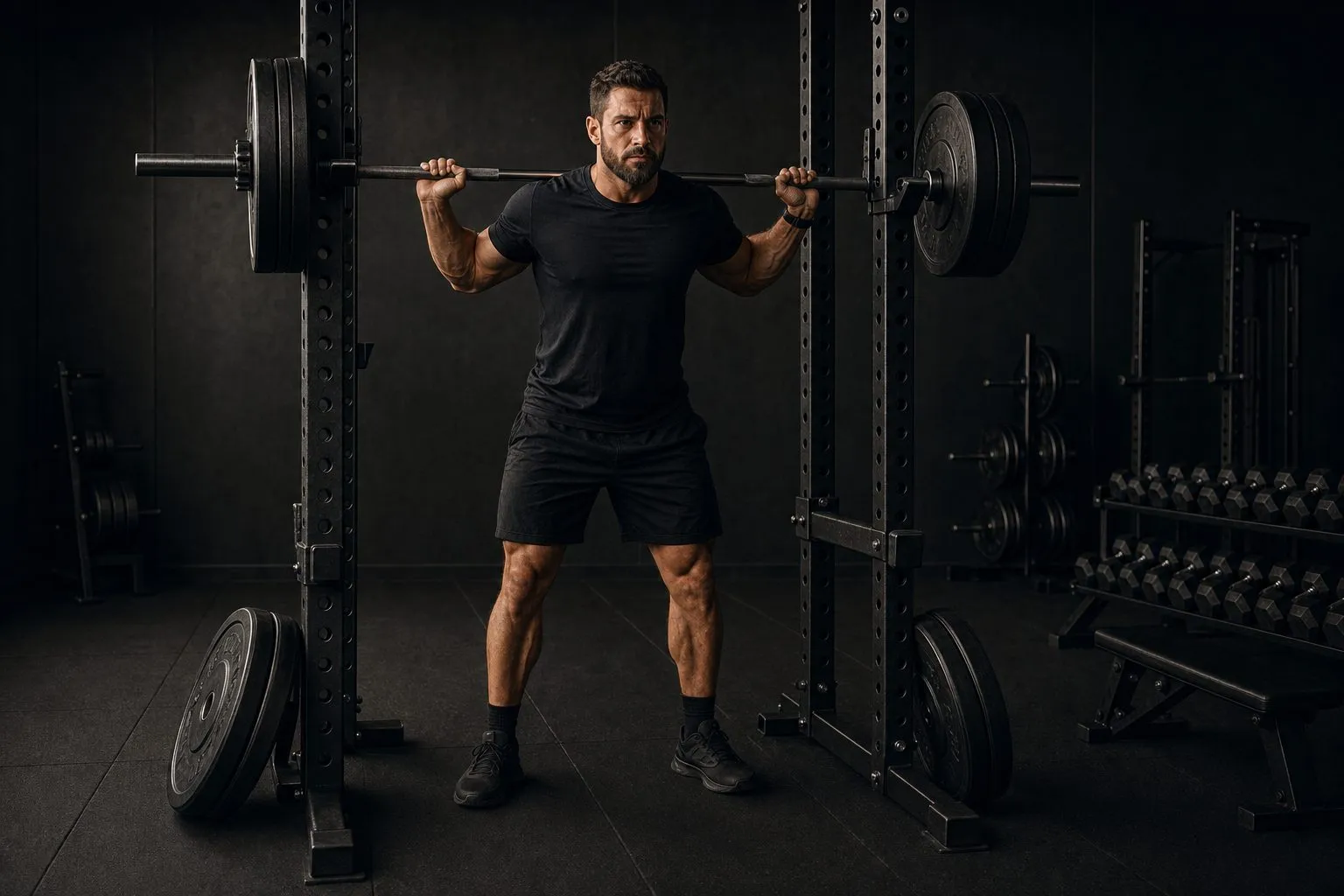
A lifter stepping under a straight barbell on a squat stand, weight plates of several sizes laid out on the floor beside the rack

Warmups built up to your working weight

The ramp sets are handled for you.

Once the working weight is set, Fit Trainer builds the warmup sets that lead up to it, so you arrive at the hard set ready instead of cold. As a strength training app it treats the warmup as part of the plan, not an afterthought.

Tracker vs coach

A passive tracker records the past. This one decides what is next.

Plenty of apps will hold your numbers. An adaptive workout app reads them. If you are choosing between an AI workout plan generator and a plain logbook, this is the difference that matters on a real training week.

A passive workout tracker app

  • Logs your sets, then leaves the thinking to you
  • Next weight comes from memory or a guess
  • Same target whether the last set flew up or stalled
  • No answer when you miss a session or swap equipment
  • Progression follows the calendar, not your performance

Fit Trainer, a progressive overload app

  • Logs each set in a guided chat workout
  • Compares what you lifted against the target
  • Raises, lowers, or holds the remaining work
  • Rebuilds around missed sessions and new equipment
  • Progression comes from your last set, not the date
How it works

From a logged set to your next target.

Planning, warmups, set logging, and progression all happen in one conversation, so this adaptive workout plan app never sends you digging through menus to find what to lift next.

01

Start a guided workout

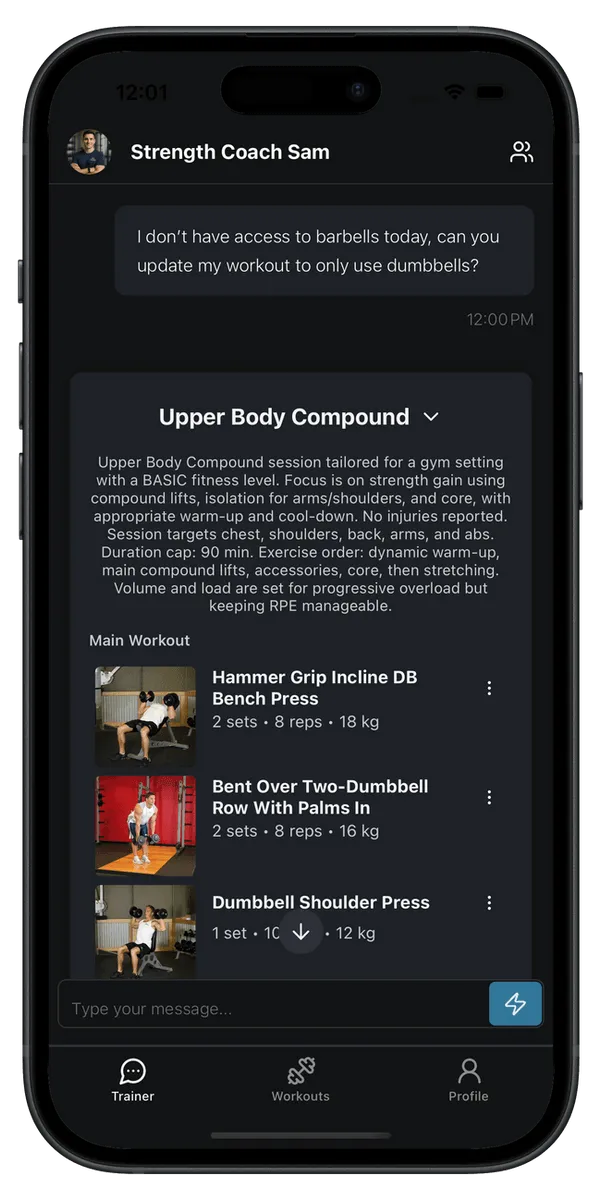
Tell Fit Trainer your goal, where you are training, and what equipment is nearby. It builds the session, sets a target for each exercise, and adds the warmup sets that lead up to your working weight.

02

Log each set as you finish it

Record the weight and reps you actually did, straight in the chat. Rest timers run between sets, and every entry is saved so this workout tracker app remembers your history for you.

03

Watch the remaining targets rebalance

When a set beats the target, the app can add weight or reps to what is left. When a set stalls, it can hold steady or ease off. Every change lands on a weight you can actually load.

Building a workout in the Fit Trainer chat, with a target for each exercise Logging sets during a guided workout in the Fit Trainer app
Four honest calls

Add, hold, or back off. The app makes the call from your logs.

Progress is not a straight line up. Some weeks you push, some weeks you hold, and some weeks the smart move is less. A progressive overload workout tracker earns its place by reading the difference instead of adding weight on a fixed schedule.

Add weight

You hit every rep with a little left in the tank. The app moves the load up by the smallest increment you own, so the jump is real but manageable.

Add reps

The weight is right but you are short of the top of the range. Instead of jumping early, the app keeps the load and asks for another rep or two next time.

Hold steady

A set was grindy or the reps came apart. Holding the same target for a session lets the movement settle before you ask for more.

Deload

You missed the target across sets, or came back from time off. The app can drop the load so you rebuild with clean reps instead of grinding through a bad week.

Miss a session or change gyms and the plan does not fall apart. Because it reads your real history, an adaptive workout app can pick up from where you actually are, not from where a static plan assumed you would be.

Whatever your level

Simple enough to start, honest enough to progress.

Beginners get the clearest possible next step and never have to invent a strength training planner from scratch. If you are brand new, start with the beginner workout app walkthrough. Experienced lifters get a gym workout planner that keeps honest track of loads and adds weight only when the logged sets earn it.

Ready to let the app keep the progression moving? Compare the monthly and annual pricing and start with whichever fits your training rhythm.

FAQ

Progressive overload app questions

  • What is a progressive overload app?

    A progressive overload app uses the sets you log to decide how the next set or next workout should change: add weight, add reps, hold steady, or deload. It goes beyond a passive workout tracker app that only records the past. Fit Trainer logs each set in a guided chat workout and can rebalance the remaining targets from what you actually lifted, always in weights you can load.

  • Does Fit Trainer add weight automatically?

    Fit Trainer works as a workout app with automatic progression, but you stay in control. As you log sets, it compares your reps against the target and suggests raising, holding, or lowering the load for the remaining work and your next session. Because it is an adaptive workout app, a good set nudges the plan up and a hard set eases it off, instead of the plan ignoring what just happened.

  • When should I increase dumbbell weight?

    A practical rule is to increase the weight once you can complete every prescribed rep across all your sets with a rep or two still in the tank, usually at the top of your target range. Move up by the smallest increment you have, often the next dumbbell or a small plate. Fit Trainer watches your logged sets against that target and flags when it is time to go up, so you are not guessing session to session.

  • Is a progressive overload app good for beginners?

    Yes. Beginners make the fastest progress and benefit most from a clear next step. Fit Trainer keeps early sessions simple, starts light, and only raises the target when your logged sets show you are ready. If you want more on early progression, see our beginner workout app and the guide to your first four weeks of strength training.

  • How is this different from a passive workout tracker app?

    A passive workout tracker app stores your sets and stops there, leaving the next weight to your memory. As a progressive overload workout tracker, Fit Trainer reads what you logged and turns it into a decision: the remaining sets and your next workout adjust from your real performance, rounded to equipment you actually have.

  • Can I use it instead of a ChatGPT workout planner?

    A ChatGPT workout planner can draft a plan, but it does not run the session with you or remember what you lifted last week. Fit Trainer is an AI workout tracker that plans, guides each set, logs your work, and rebalances the targets as you train, so the plan keeps up with you instead of going stale after the first message.

Train smarter, every day.

Your AI trainer builds the plan, guides every set with clear form cues, and adapts in real time. Download Fit Trainer and start today.

Athlete training with the Fit Trainer appAthlete training with the Fit Trainer appAthlete training with the Fit Trainer app